Request a workspace
On brandasset.nu, select Get early access. Enter your name, work email, company, website and intended use. Agree on your company email domain and first Company Admin with the Brand Asset onboarding team.
Create your account
Go to brandasset.nu/auth and select Create account. Enter Display name, Email and Password. Use an approved company email address. Verify your email, then return to Sign in.
Check your setup
In Create, check Active Brand Guide. Open the account menu and select My Page to confirm your email and notification preferences. Ask your onboarding contact to confirm your workspace permissions.
Set up notifications
Select the bell to check your notifications. In the account menu, open My Page. Under Account preferences, use Email notifications as the main switch, then set Approval notifications and Image generation notifications as needed. See the My Page guide for profile, password and activity settings.
Run a team check
Have a Creator submit a test image, an Approver review it and the team confirm it appears in Library after approval.
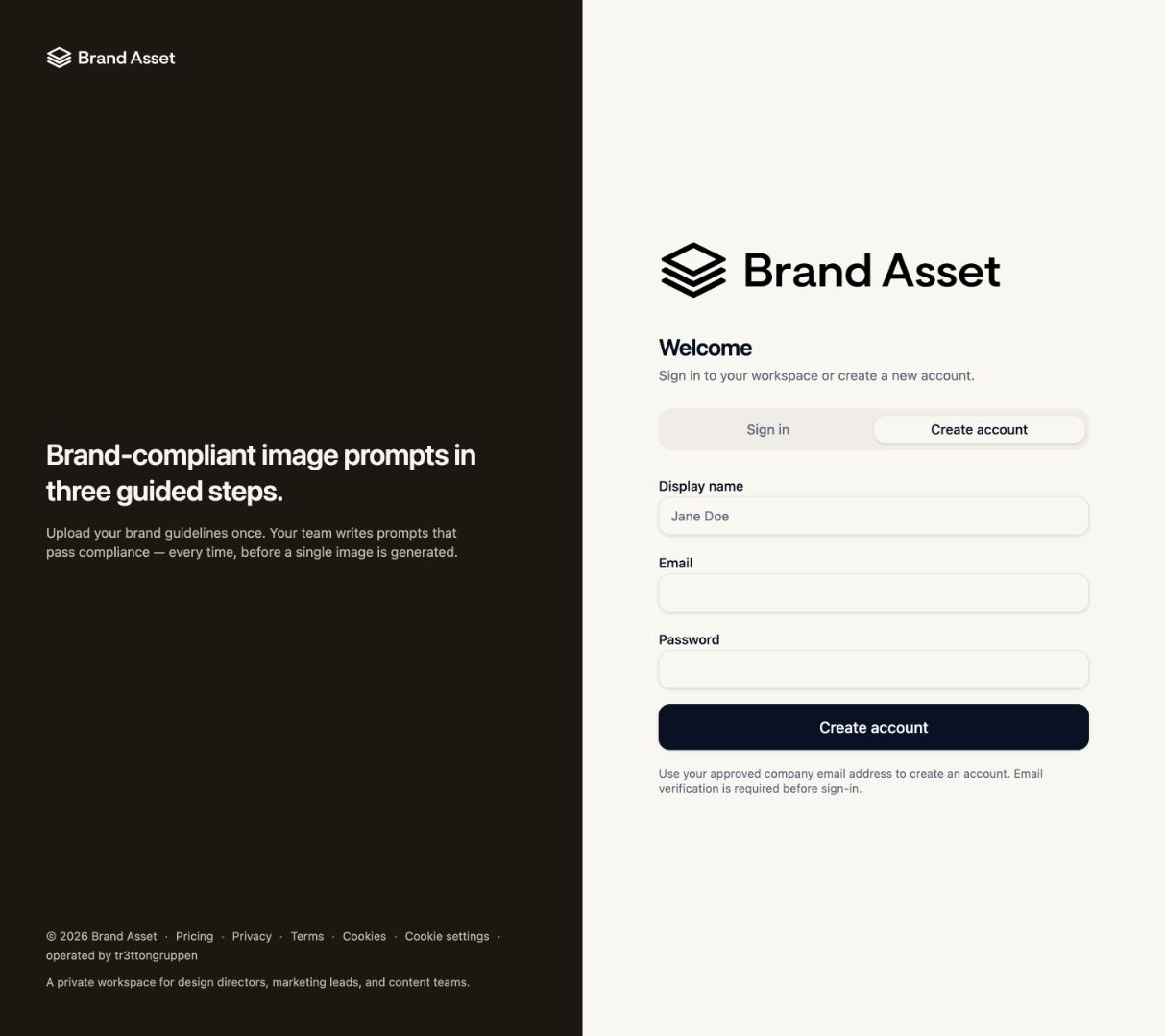
The registration form and signed-in views were checked. New-account email verification has yet to be tested end to end.